


Neat and tidy way of getting rid of outdated drivers
There are many reasons why our computer can be unstable or perform badly, including virus infections, different types of malware or many other causes.
Get rid of all your old drivers
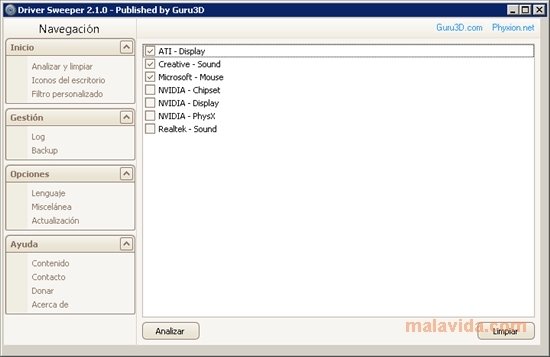
Having outdated drivers installed on our computer can also reduce its efficiency, and generate booting problems. To avoid this situation we can use an application that allows us to uninstall from our system all those drivers that are causing problems, as is the case of Driver Sweeper.
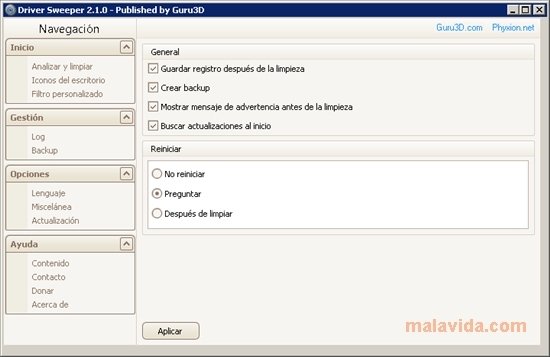
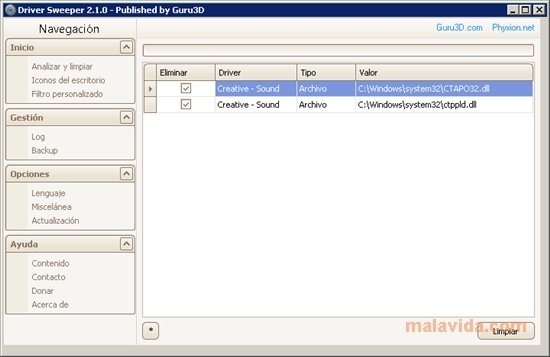
Driver Sweeper cleans your computer very efficiently, following a few simple steps. In the first place, uninstall the drivers by means of the option available in the Control Panel, then reboot your computer in Safe Mode and, finally, run the application's "Analyze and clean" function.
One of Driver Sweeper's main advantages is that it doesn't need to install anything on the system, therefore, you can use it from your USB memory stick on any computer.
Requirements and additional information:
 Vanessa Martín
¡Hi! I am Vanessa Martin, I like to travel, music, photography, and I am passionate about the Internet, as it is a great source of information where you can find everything you need. If it exists, it is on the Internet. Another of my great...

Antony Peel